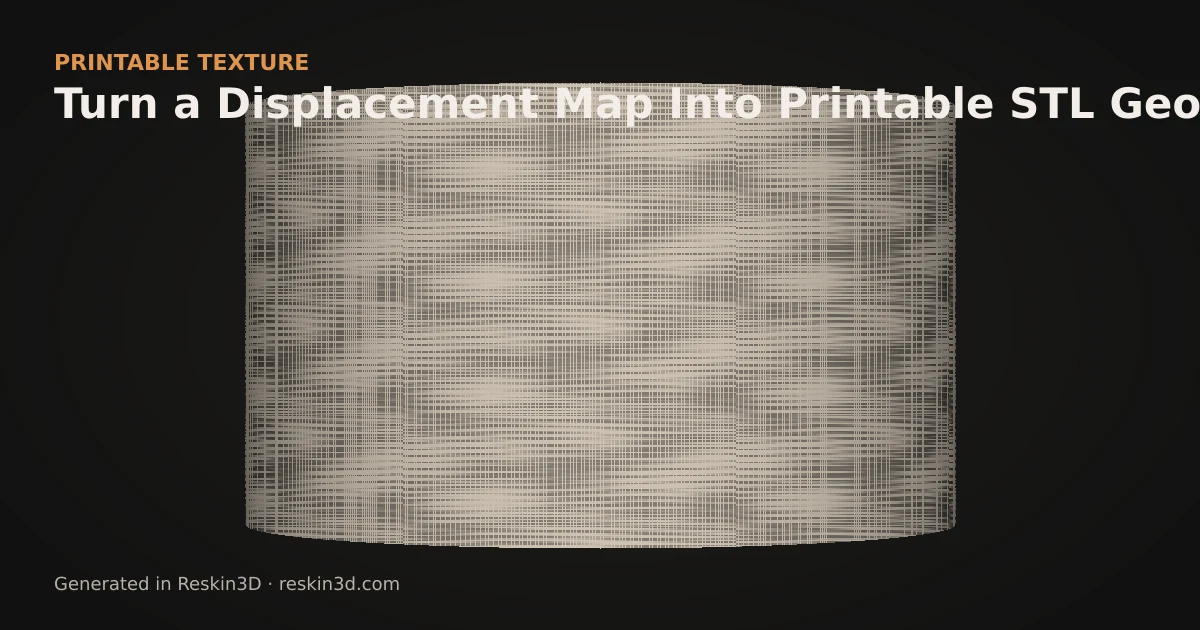
To convert a displacement map into textured STL geometry, import the grayscale image as a height map, map it onto selected model faces, set its physical depth, then bake and export the displaced mesh.
Use real height information
In a displacement map, brightness represents relative height. A useful source has clean structure, enough resolution and no unwanted lighting gradient. Colour-only details, reflections and cast shadows can become false bumps when converted directly. Reskin3D exposes contrast, smoothing, threshold, background removal and tile blending so the source can be cleaned before application.
Normal maps and bump maps are not automatically equivalent to a grayscale height map. Convert or obtain an actual height representation first.
Map it to the correct region
Select the target surface rather than displacing the entire model. Planar mapping works for panels, cylindrical mapping for tubes, and surface mapping for irregular connected shells. Texture size is measured on the model in millimetres; it determines whether image features are wide enough to print.
Choose emboss, deboss or both based on clearance and wall thickness. Polarity decides whether light or dark source regions receive the strongest movement.
Bake and diagnose
The live preview is a proposal. Baking subdivides and moves the actual mesh while checking boundaries and topology. Export the result and inspect toolpaths, open edges, non-manifold warnings, thin walls and file size. A clean image can still be physically too fine for the selected printer.
Three-step workflow
- Import a clean grayscale displacement map and correct its contrast and tiling.
- Select the target faces, choose projection, millimetre scale, depth and polarity.
- Bake to geometry, export STL or 3MF and validate the sliced result.