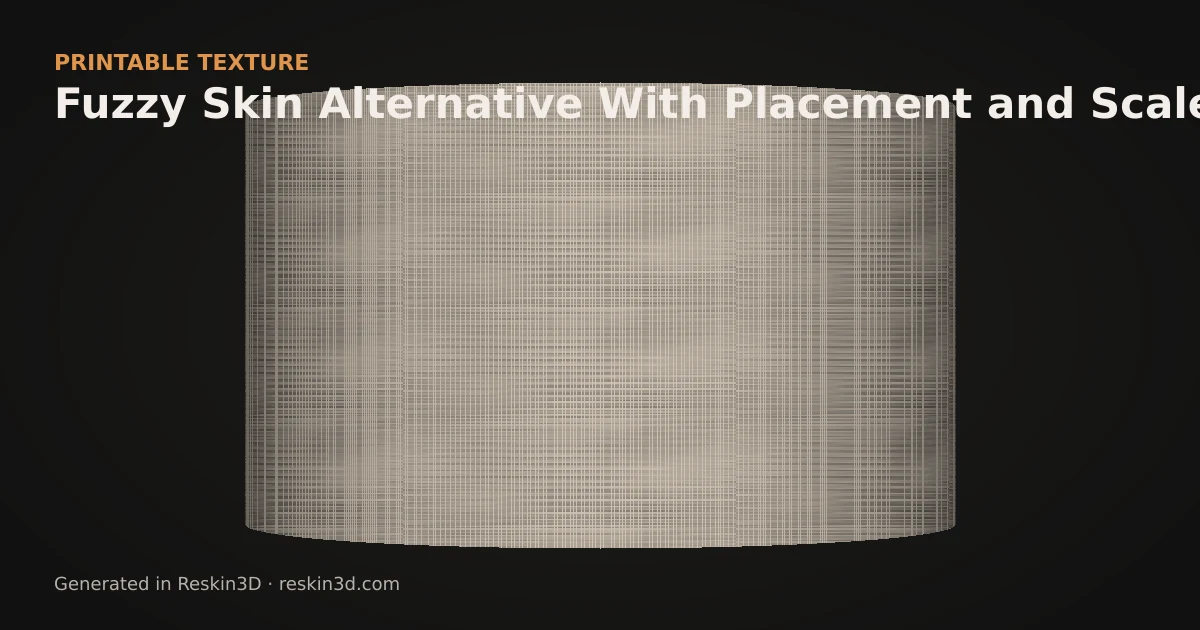
Reskin3D is an alternative to slicer fuzzy skin when you need to choose exact faces, pattern, physical scale and depth, or when the texture must remain part of the exported STL or 3MF.
Where fuzzy skin is strongest
Fuzzy skin is generated by the slicer as small toolpath perturbations. It is fast, creates lightweight project files and is excellent for a general stippled finish. If you simply want to hide layer lines across whole walls, the slicer feature may be the most efficient option.
Because the effect lives in the slicer, its controls and availability depend on that slicer and profile. The original STL normally remains smooth.
Where baked texture is different
Reskin3D lets you paint or flood-select exact mesh regions, choose a named procedural or image texture, control millimetre scale, rotate and position it, and combine multiple texture layers. Baking changes the triangles, so the result travels with the exported file and can be inspected in different slicers.
That control is useful for knurl, leather, carbon weave, logos, brick, Voronoi cells and directional grips—not only random roughness.
Choose the trade-off honestly
Baked displacement takes longer, adds triangles and can affect wall thickness or outside dimensions. Fuzzy skin is lighter and faster. Use Reskin3D when repeatable geometry and selective placement justify the larger mesh; use slicer fuzzy skin when a quick general finish is enough.
Three-step workflow
- Decide whether you need a random finish or a repeatable named pattern.
- Select only the intended faces and tune scale, depth and mapping in Reskin3D.
- Bake and compare the sliced file size and toolpaths with your slicer’s fuzzy-skin result.