Choose a texture by purpose, physical feature size, surface shape and repeat behaviour—not by thumbnail appearance alone—and always confirm it on the model and in the slicer.
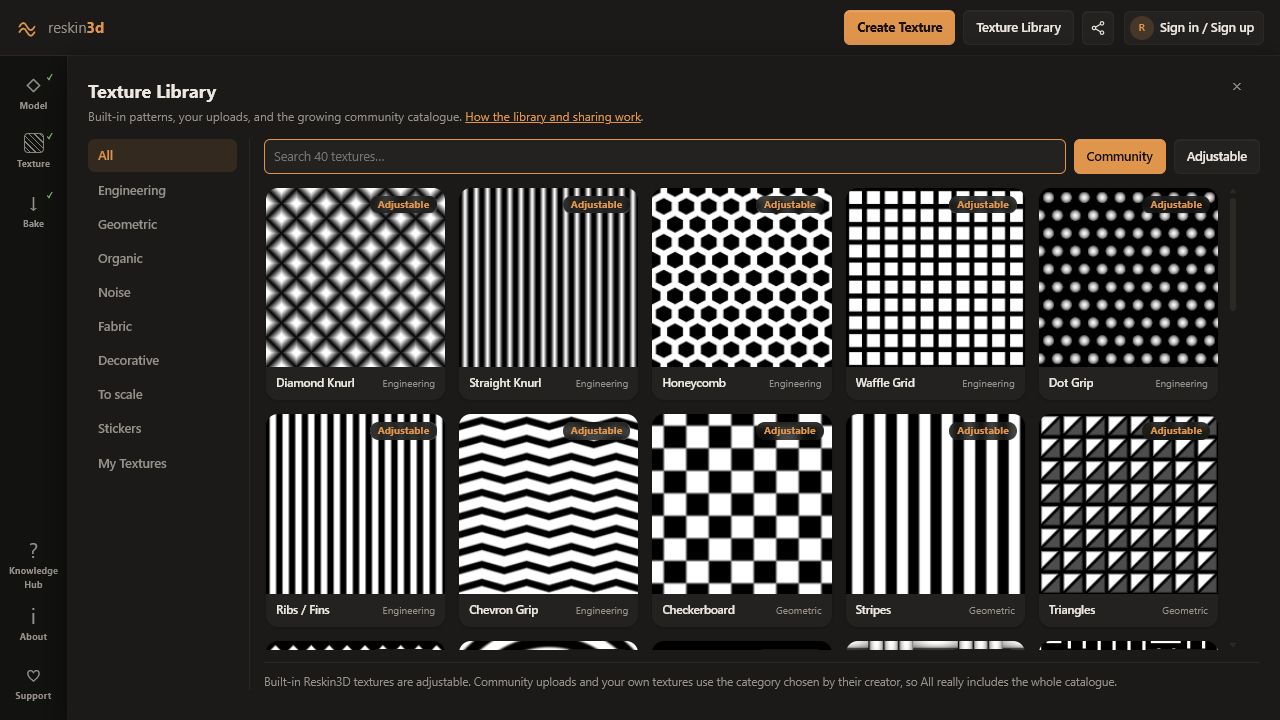
A texture is more than an image. In Reskin3D it becomes a height field: its light and dark values drive physical displacement. Choose it by what the part must do, how large it will print, and how it should wrap.
Choose by purpose
| When you have… | Choose… | Why |
|---|---|---|
| Grip or tactile feedback | Knurl, ribs, stipple, coarse weave | Clear features and moderate depth are easy to feel |
| Decorative hard-surface detail | Brick, geometric grids, panels | Regular spacing looks intentional |
| Organic camouflage | Leather, stone, bark, noise | Irregular patterns hide repetition and layer lines |
| Logo, label, or single motif | Sticker / Place once | One copy can be positioned precisely |
| Measured material reproduction | To scale | Physical width and height preserve 1:1 density |
Prefer adjustable textures when dimensions matter
Parametric library textures expose real controls such as pitch, wall thickness, cell size, or angle. They stay crisp at any generated resolution and make repeat dimensions predictable. Use them for engineering-style grip, regular patterns, and any design that must align visually.
Community and imported image textures are ideal for captured materials, illustrations, and one-off marks, but their resolution and lighting quality matter.
Judge the height map, not the thumbnail
Open Texture quality for imported or community images. Look for a useful tonal range, a clean seam, sufficiently large features, even lighting, and a pattern direction that matches your intended orientation.
- A photographic shadow can become an unwanted ridge.
- Compression blocks become tiny repeated geometry.
- A visible border becomes a frame around every tile.
- Soft focus produces rounded, indistinct relief.
Match feature size to the printer
The texture image does not have a fixed printable fineness until you set Texture size. Making a 10 mm tile 40 mm wide makes every feature four times larger and easier to print. Reskin3D compares the resulting feature size with your selected nozzle and layer height.
Choose repeat behaviour
Use a normal repeat for brick, grids, knurl, weave, and any pattern whose spacing must remain exact. Use Infinite variation for stone, leather, clouds, bark, and other organic textures where seeing the tile repeated would be distracting.
Use Place once for a logo, emblem, illustration, label, or a single patch. It changes the mental model from wallpaper to sticker: Texture size controls the whole motif and the position pad locates it.
Preview on the actual surface
A texture that looks good as a square may stretch at poles, change direction around a corner, or become too dense on a small face. Apply it to a temporary layer, let Reskin3D recommend mapping, then orbit the complete model.
Check scale from the intended viewing distance, the direction of dominant lines, transitions around edges, and whether the pattern competes with existing model detail.
Continue with Mapping and projection when wrapping is the deciding factor.