Choose mapping from the target shape: planar for panels, cylindrical for tubes, spherical for rounded forms, and surface mapping for irregular connected shells; then place the seam deliberately.
Mapping answers one question: where does each point in the 2D texture land on the 3D surface? Reskin3D recommends a mode from the selection and pattern. Stay with Recommended unless the preview shows a specific problem.
Begin with the recommendation
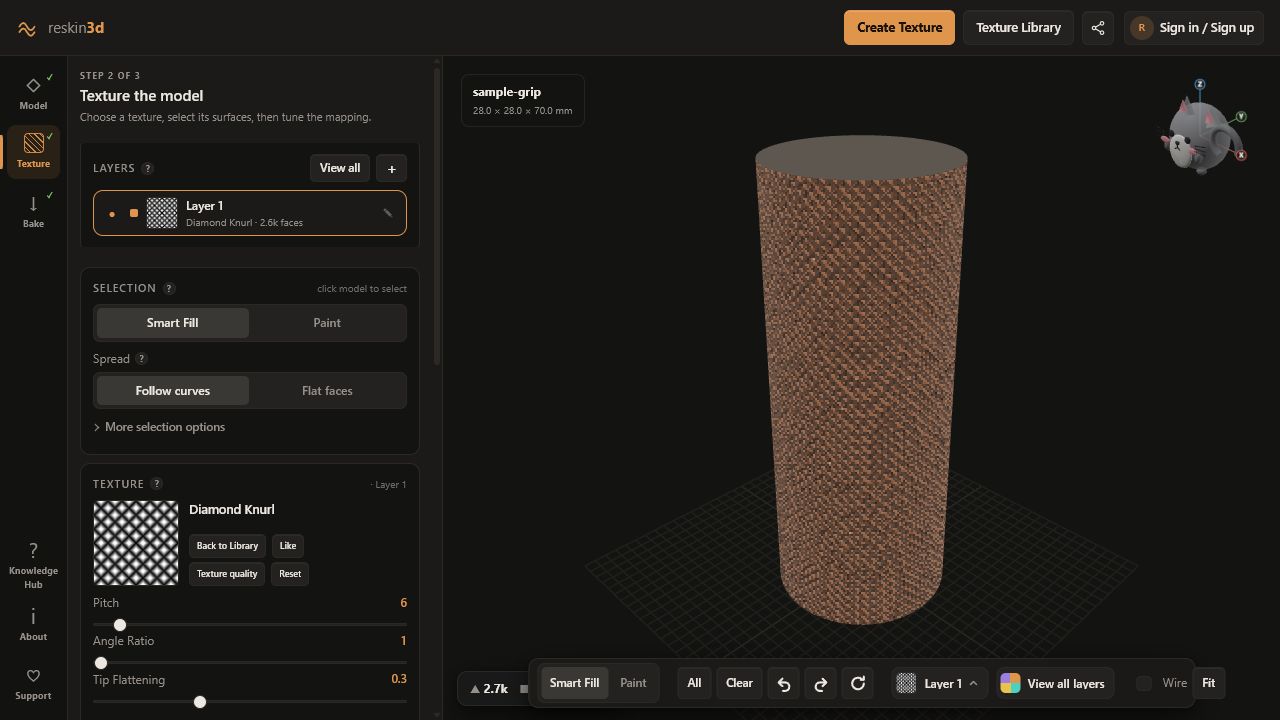
After selecting a texture, the Mapping card explains the chosen approach. Set Texture size and rotate or move the pattern before opening Custom mapping. Many apparent projection problems are actually scale or orientation problems.
Choose a projection for the surface
| When you have… | Choose… | Why |
|---|---|---|
| An irregular smooth shell where constant real-mm density matters | Surface (unwrap) | Builds a surface parameterisation across the selection |
| A general object with several changing face directions | Triplanar | Blends X, Y, and Z projections without one dominant axis |
| A hard-surface box where blended corners look soft | Cubic | Uses a dominant axis per region |
| One broad face | Planar front/top/side | Direct and predictable on a chosen axis |
| A tube, handle, cup, or column | Cylindrical | Wraps around a selected X, Y, or Z axis |
| A ball or dome | Spherical | Wraps longitude and latitude around a centre |
Use Surface (unwrap) for organic selections
Surface unwrap aims for consistent real-world texture density across curves. It is often best for a connected organic patch, but complex topology, holes, narrow bridges, or multiple disconnected islands can create seams or distortion.
Keep the selection topologically simple when possible. If the unwrap stretches, split the model into separate layers or try Triplanar for a less exact but more robust result.
Control axis-based modes
For Cylindrical and Spherical mapping, choose the axis that runs through the object’s length or poles. An upright cup normally wraps around Z; a horizontal handle might use X or Y. Use Align to selection when the useful surface is tilted relative to the model axes.
In Triplanar, Blend sharpness controls how quickly one axis hands off to another. Higher values preserve crisper orientation changes; lower values blend transitions more softly. In Spherical mapping, Pole smoothing reduces the pinched concentration where longitude lines meet; increasing it trades sharp pole detail for a gentler transition.
Edge feather reduces displacement toward the selection boundary. It is independent of the wrap seam: feather softens where selection ends, while seam placement controls where texture coordinates join.
Place the seam where it belongs
Wrapped mappings must join somewhere. Rotate and use the Position pad until the seam sits on the rear, underside, an existing model edge, or an area hidden in assembly. For regular patterns, align the seam through a natural groove where a small phase mismatch is less visible.
Use variation only for irregular materials
Infinite variation blends randomly offset copies on a hex-style lattice. It reduces obvious repetition across large organic surfaces. Variation strength controls how strongly copies differ.
Leave it off for brick, text, logos, knurl, weave, hexagons, or any structure that relies on straight rows and exact joins; blending can bend or double those features.
Check the whole selected surface
- Feature size stays visually consistent
- Dominant lines run in the intended direction
- No axis boundary creates a blurred cross
- The wrap seam is hidden or aligned to a groove
- Poles do not contain critical detail
- The texture does not cross protected faces