A useful height map represents surface height with clean grayscale structure, adequate dynamic range, printable feature width and repeatable edges without unwanted lighting gradients.
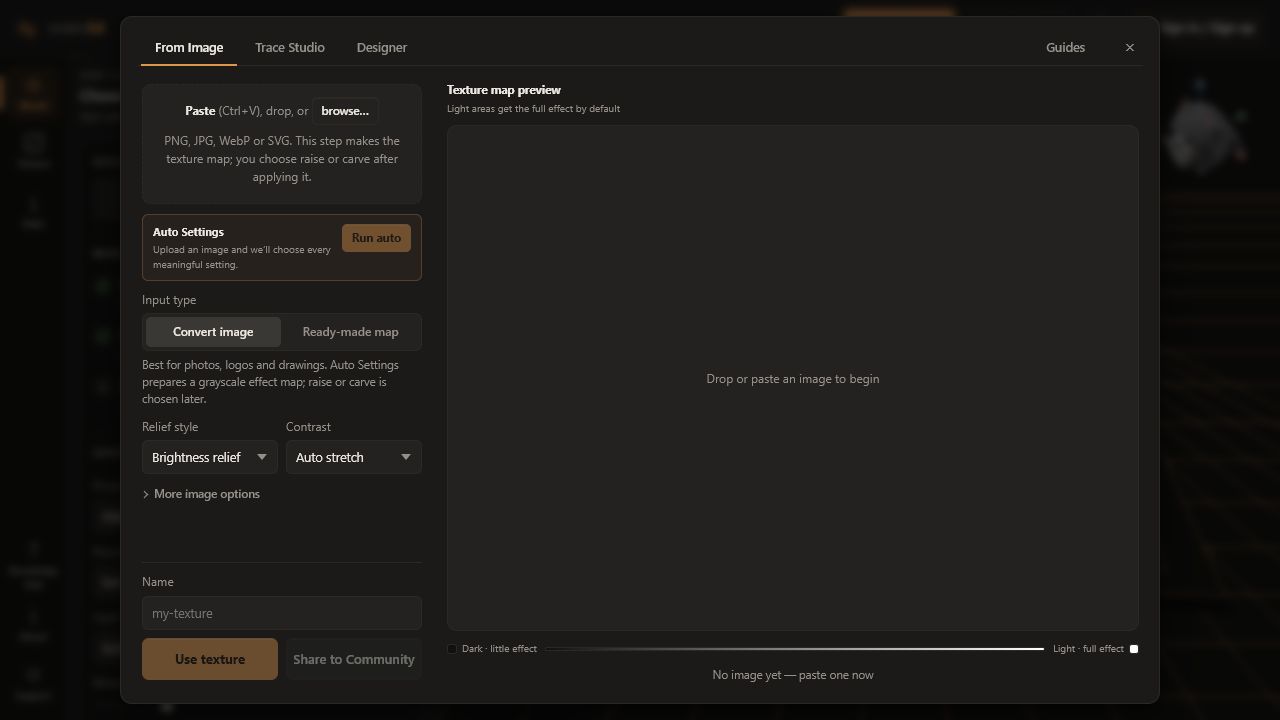
A normal colour image describes appearance. A height map describes shape using brightness. Reskin3D reads one grayscale value at each point and converts changes in that value into slopes, ridges, grooves, and plateaus on the model.
Read grayscale as a range, not a fixed direction
Black and white do not permanently mean “low” and “high.” When applying the texture, Light areas or Dark areas chooses which end receives the full effect. Emboss, Deboss, or Both then decides where that effect moves relative to the original model.
Keeping these decisions separate lets one height map make either raised brick faces, carved mortar lines, or a balanced sculpted surface without rebuilding the image.
Open Texture quality and read the grade
For an image or community texture, select Texture quality beside the active texture. The overall grade is a summary, not a pass/fail certificate. Expand your judgment with the individual measurements:
| Metric | What it describes | Why it matters |
|---|---|---|
| Range | Distance between dark and light values | A narrow range produces shallow-looking, low-contrast relief unless corrected |
| Mean | Average brightness | An extreme mean may leave most of the surface at one end of the effect |
| Seam | Mismatch between opposite edges | A high mismatch can draw a grid around every repeated tile |
| Feature | Estimated size of meaningful changes | Combined with Texture size, it predicts whether the printer can reproduce them |
| Lighting | Broad directional brightness drift | A lamp gradient becomes an unintended ramp or bulge |
| Pattern | Dominant direction or regularity | Helps choose orientation and whether variation is appropriate |
Separate material shape from photographed light
A phone photo contains both real surface shape and illumination. Reskin3D cannot know with certainty which brightness came from height, colour, stain, reflection, or shadow. Trace Studio’s illumination flattening removes broad gradients and adaptive thresholding isolates local features, but the cleaned preview still needs human judgment.
- A dark printed stripe on flat fabric is colour, but may become a groove.
- A highlight on glossy leather is light, but may become a ridge.
- A cast shadow from the phone is not material shape.
- Fine camera noise and JPEG blocks can become rough geometry.
Understand a seamless repeat
A repeating texture places copies edge to edge. It is seamless when the left edge continues naturally into the right and the top continues into the bottom. A low numeric edge mismatch helps, but visual continuity also depends on direction, spacing, and features cut by the boundary.
Use offset-blend or a prepared seamless source for regular repetition. Inspect a repeated preview at several tiles wide. A single square can hide a border that becomes obvious across a model.
| When you have… | Choose… | Why |
|---|---|---|
| Brick, grid, weave, knurl, lettering | Exact seamless tile | Rows and spacing must continue without bending |
| Stone, bark, leather, noise | Seamless tile + optional Infinite variation | Offset copies can hide recurring landmarks |
| Logo, badge, illustration | Place once | No tile seam is needed because the motif is not repeated |
Match pixels to millimetres
Image resolution alone does not determine print resolution. A 1000-pixel image placed across 10 mm asks for much finer geometry than the same image placed across 100 mm. Texture size converts pixels and detected features into real millimetres.
If Reskin3D warns that features are too fine, first increase Texture size or simplify the height map. Increasing mesh quality can represent more triangles, but it cannot make a 0.4 mm nozzle print a 0.1 mm groove.
Know when a source is ready
- The clean preview contains shape, not obvious lighting or colour-only markings
- Important features are connected and not buried in speckle
- Opposite edges repeat acceptably, or Place once is enabled
- The intended polarity is clear
- The physical Texture size makes features printable
- A small slice or coupon will be used for confirmation
If the source is a phone photograph, continue with Create a printable texture from an image. If the source is made from text or shapes, use Design a texture with shapes, text, and strokes.