Reskin3D follows three stages—open a model, select and map textures, then bake and export—with each layer preserving its own selected faces, texture and mapping settings.
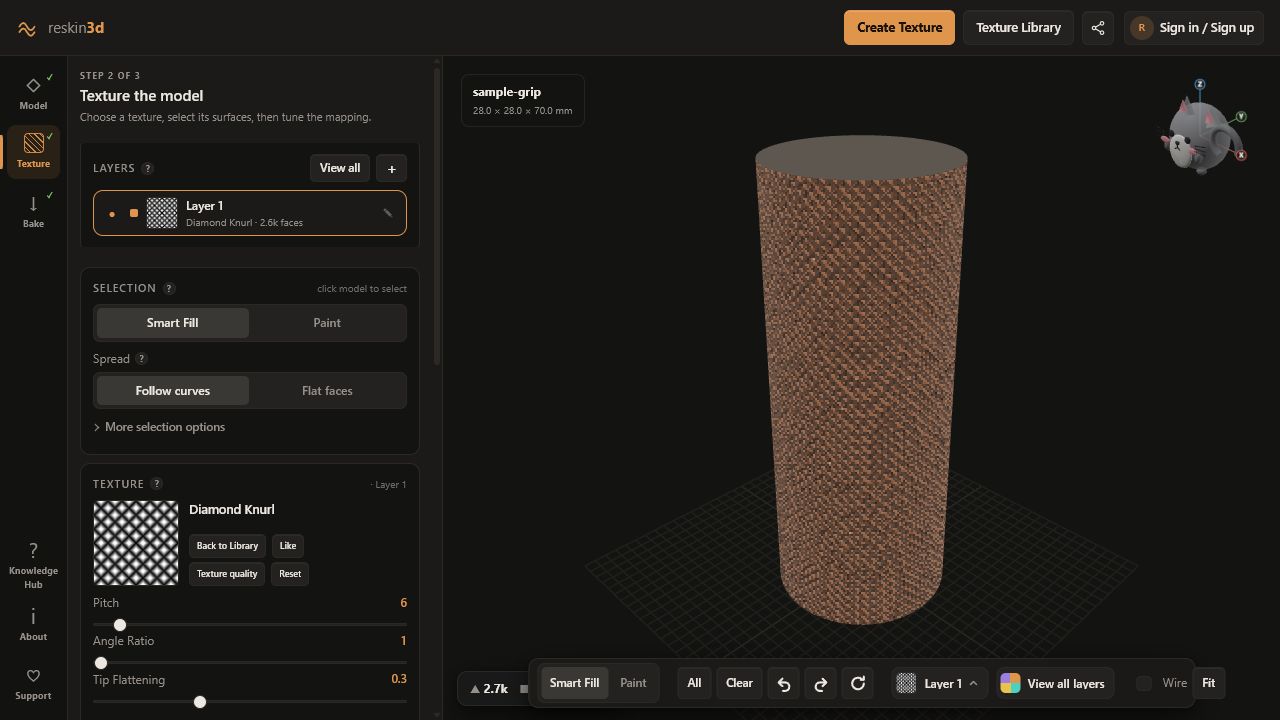
The three stages
Workspace
ModelOpen + checkFile, mesh health, print guidance
TextureSelect + mapLayers, texture, scale, depth, projection
BakeApply + exportWarnings, triangle budget, STL/3MF
Selection
| Smart Fill | Click a connected region; right-click to remove it |
| Follow curves | Continue across smoothly changing neighbours |
| Flat faces | Stop at rounded corners and stronger direction changes |
| E + drag | Paint selection |
| R + drag | Erase selection |
| Ctrl+Z / Ctrl+Y | Undo / redo selection |
Viewport
| Left-drag | Rotate |
| Right-drag or middle-drag | Pan, like Bambu Studio |
| Scroll | Zoom |
| Cat compass / axis | Snap view |
| F | Fit model |
| W | Toggle wireframe |
Global shortcuts
| T | Texture Library |
| I | Create Texture from image |
| D | Texture Designer |
| Ctrl+V | Paste an image as a texture anywhere |
| ? | Knowledge Hub |
| Esc | Close the top dialog or page |
Layer and mesh states
- ● Armed: included in the next bake.
- ✓ Baked: already applied and omitted from the next bake until edited.
- sealed ✓: every edge belongs to exactly two triangles.
- N holes: the mesh contains open edges.
- broken faces: non-manifold edges or fused/self-intersecting geometry may exist.
Plain-language glossary
| Model | The digital 3D object you intend to print. |
| Mesh | A model surface made from connected triangles. |
| Face / triangle | One small flat piece of a mesh surface. Selection operates on these pieces. |
| Texture | A pattern used to create surface relief; it may be adjustable or image-based. |
| Height map | A grayscale image whose brightness values control displacement. |
| Selection | The model faces an active layer is allowed to affect. |
| Layer | One editable instruction containing a selection, texture, and mapping settings. |
| Mapping / projection | The rule that places a flat texture across a 3D surface. |
| Seam | The join where repeated or wrapped texture coordinates meet. |
| Bake | Convert the live texture preview into actual printable triangles. |
| Watertight / sealed | A mesh surface with no open boundary edges, enclosing a volume. |
| Manifold | A clean solid topology where each surface edge belongs to the expected two faces. |
| Slicer | Software such as Bambu Studio or OrcaSlicer that turns a model into printer toolpaths. |
| Nozzle | The FDM printer opening that lays down molten filament; its width limits fine detail. |
| Layer height | The thickness of each printed horizontal slice. |
What Reskin3D knows—and what it does not
| Reskin3D can know | You still need to decide or verify |
|---|---|
| Mesh bounds, triangle connectivity, open and non-manifold edges | Whether the design’s clearances and contact faces are functionally safe |
| Selected printer guidance values and estimated texture feature size | Your real printer calibration, material behaviour, orientation, cooling, and supports |
| Height-map contrast, edge mismatch, broad lighting drift, and direction | Whether photograph brightness represents physical height, colour, or reflection |
| The geometry produced by the requested bake | Whether the slicer creates suitable toolpaths and the physical print meets the use case |