Choose a closed, manifold model with enough wall thickness and a broad non-functional surface; protect clearances, threads, sealing faces and other precise interfaces from displacement.
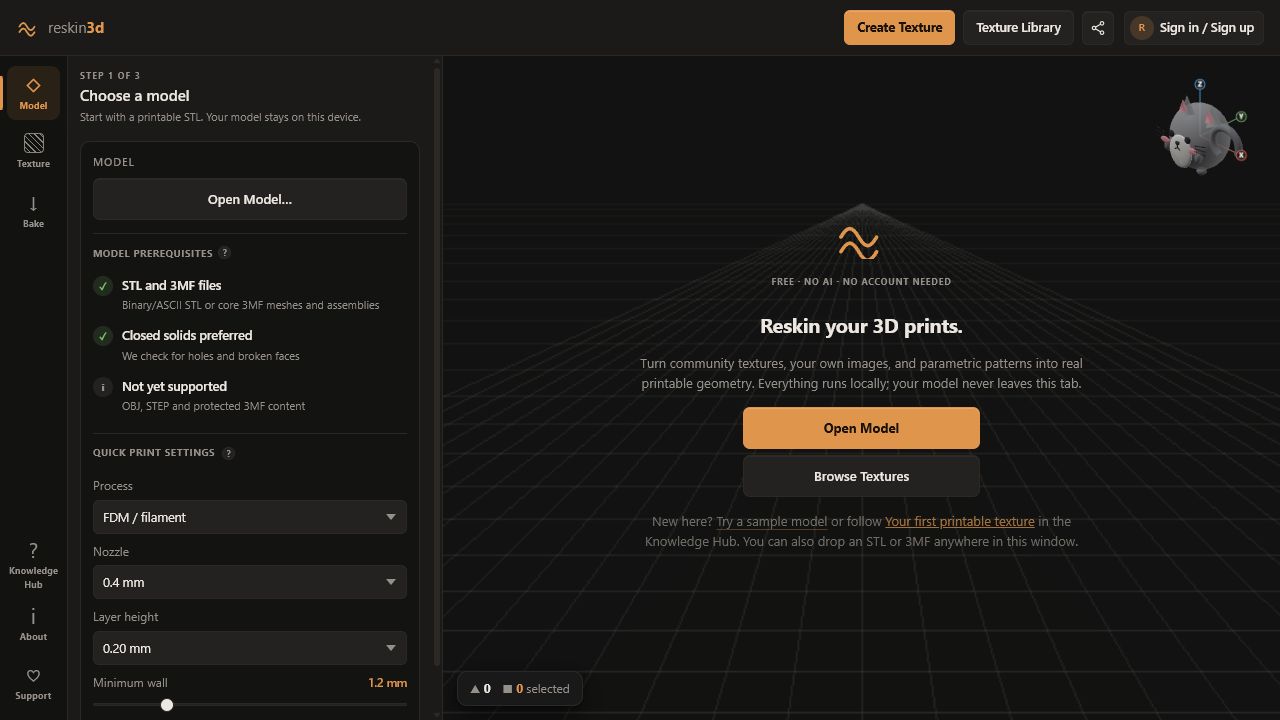
Reskin3D displaces the triangles on a model to make a texture physically printable. The best source is not simply the prettiest STL: it needs enough solid material, useful surface area, and clean topology for the displacement you plan to add.
Start with the right file
Use a binary or ASCII STL, or a core 3MF mesh/assembly. Units are interpreted as millimetres. OBJ, STEP, password-protected 3MF content, slicer settings, and paint data are not imported as editable model features.
| When you have… | Choose… | Why |
|---|---|---|
| One solid part and maximum compatibility | STL | Simple, widely supported mesh interchange |
| A core mesh assembly | 3MF | Can retain supported object structure during import |
| Editable CAD features | Export a mesh first | Reskin3D operates on triangles, not parametric features |
Match the model to the texture
Broad faces tolerate larger motifs and make seams easier to hide. Tight fillets, tiny bosses, threads, lettering, and narrow ribs leave little room for safe displacement.
- Good candidates: handles, cases, planters, lamp shades, knobs, enclosures, plaques, grips, and decorative shells.
- Use care: snap fits, sealing faces, bearing seats, sliding surfaces, holes with precise diameter, and surfaces that touch another component.
- Poor first candidates: scan meshes with millions of irregular triangles, zero-thickness surfaces, and already-damaged boolean geometry.
Read the mesh health badge
Reskin3D checks how triangles share edges when a model loads and after every bake.
A slicer may repair small holes, but that repair is slicer-specific and can alter the intended surface. Non-manifold geometry can hide self-intersections or fused parts. Repair those issues in CAD, Blender, MeshLab, or your slicer’s repair tool, then reopen the repaired export.
Check wall thickness against direction
Emboss adds material outside the original surface. Deboss cuts inward and consumes wall thickness. Both moves around the midline and can do both. For a 1.2 mm wall, a 0.8 mm carve can leave too little material even when the preview looks attractive.
Set the model-stage minimum wall to the thinnest wall you need to protect. Reskin3D uses that value in bake warnings; it does not measure every internal wall automatically.
Control mesh density and scale
Reskin3D creates detail where the height map requires it, so a coarse source STL can still receive a crisp texture. However, extremely dense or noisy source geometry makes selection slower and can preserve unwanted surface noise.
Do not pre-subdivide a clean CAD export just to prepare for Reskin3D. Let Quality (mesh detail) and Triangle budget allocate triangles around the texture.
Model checklist
- STL or supported 3MF, in millimetres
- Closed solid preferred
- Enough wall thickness for the chosen direction and depth
- Functional faces excluded from the intended selection
- Texture features comfortably fit the available surface
- A small test print is possible before the final part